Pace is key. The screen represents a 20-foot putt. Hit it half halfway and it’s about a 10-foot putt. For longer putts, hit it with more force. A 40-foot putt should be hit to travel roughly double the screen distance. The best way to learn? Trial and error. Always add a bit more power to ensure you reach the hole!
Uphill/Downhill Putts:
Pay attention to elevation changes. A light blue number means a downhill putt, orange means uphill. For every foot of slope, adjust by 10 feet. So, a 20-foot uphill putt with a 0.8-foot slope becomes a 28-foot putt. For downhill putts, subtract instead—making it 12 feet. This simple adjustment based on slope can seriously improve your putting accuracy and help you sink more putts.
Playing the Break:
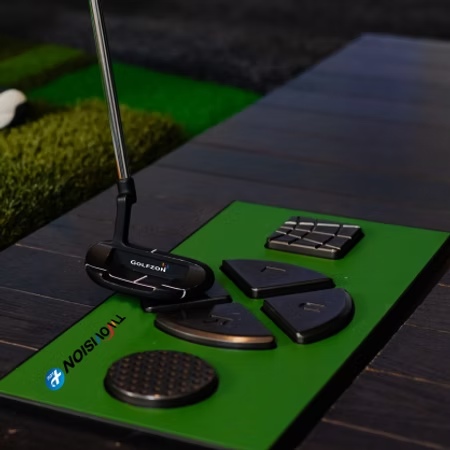
When you’re putting, use the stripes on the mat—they line up perfectly with the hole. For straight putts, putt straight down the stripes. If there’s break, watch the grid lines and moving lights. Faster lights mean a steeper slope and more break. Use this visual feedback to gauge your aim and adjust your line. Reading the grid accurately can make a huge difference in sinking more putts.
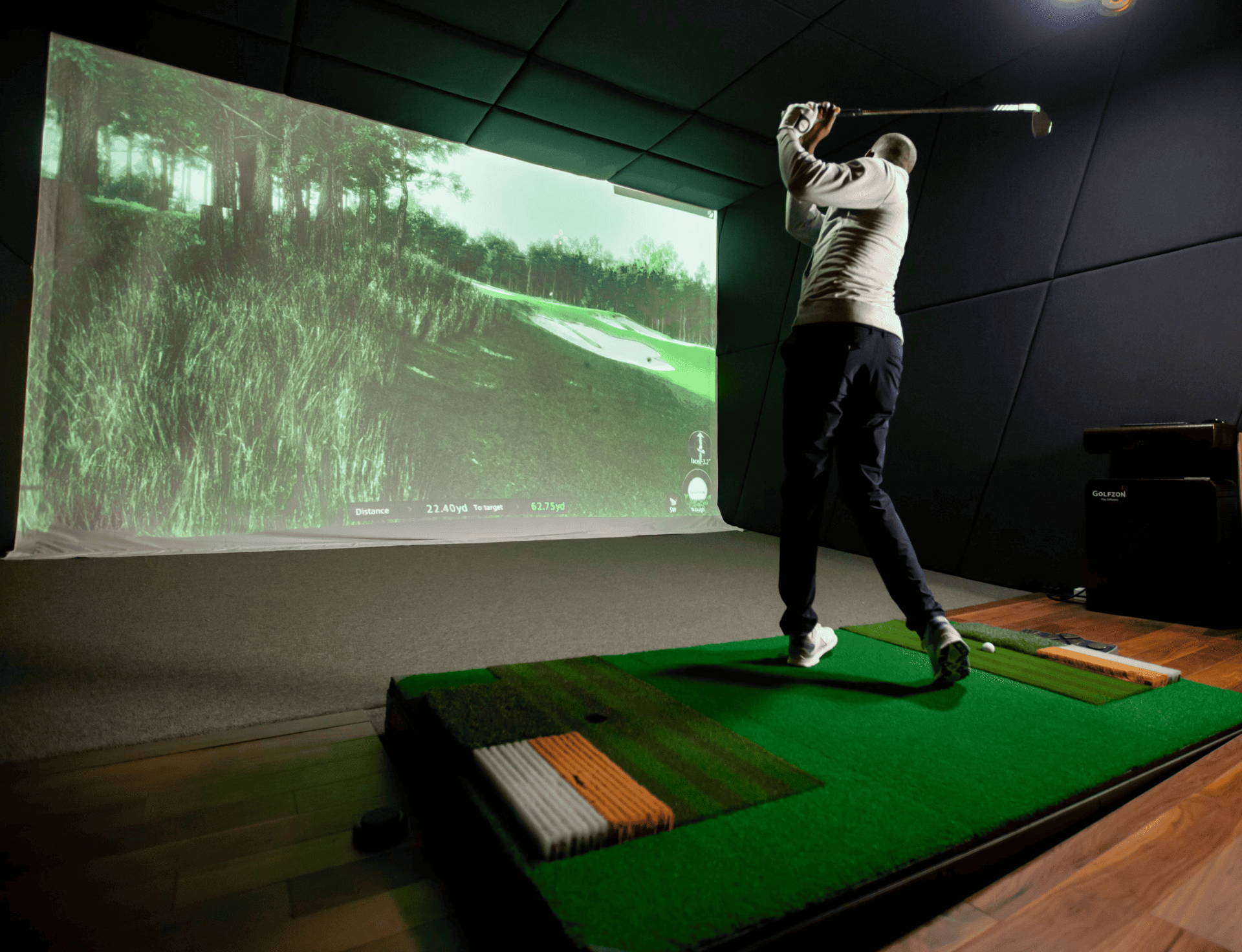
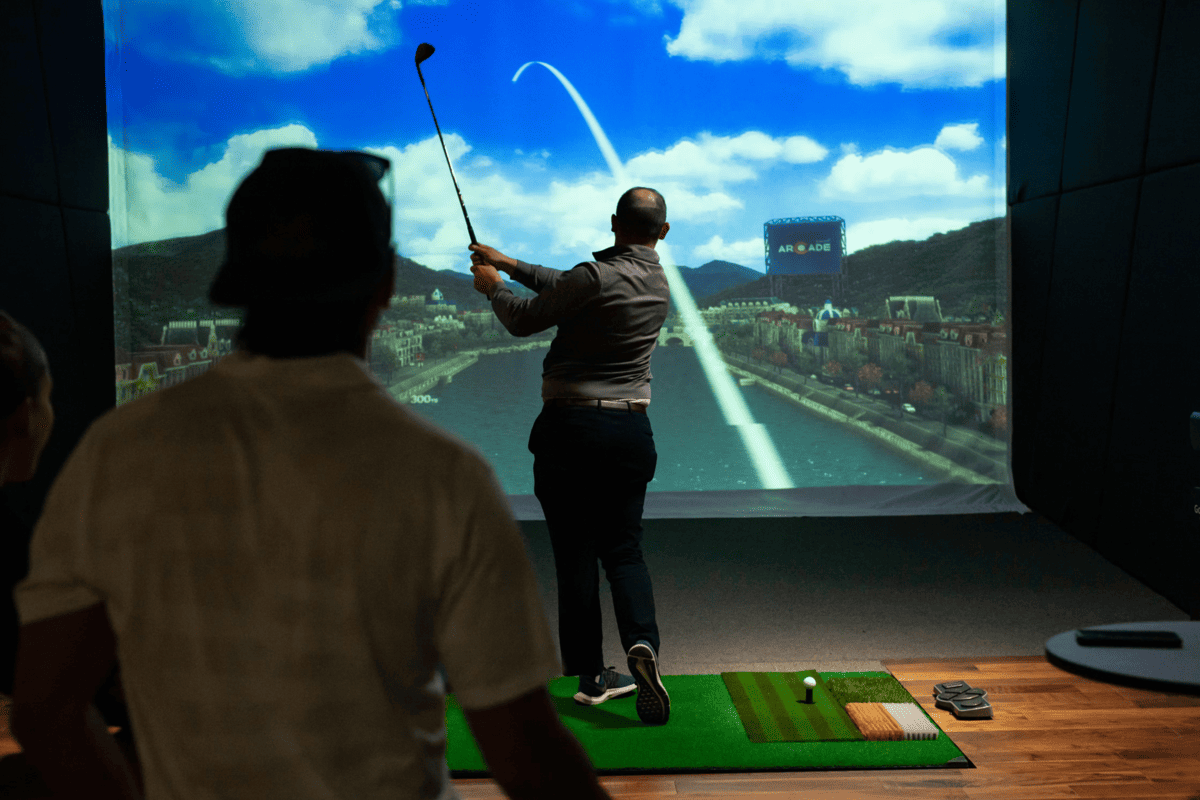
Start strong off the tee by choosing the right club for the hole—accuracy beats distance if hazards are in play. Use the overhead view to plan your shot shape, and aim for landing zones with room to recover. Don’t forget to factor in wind and elevation. Taking a moment to think before you swing can lead to better scores and fewer big mistakes down the fairway.
Tee Height:
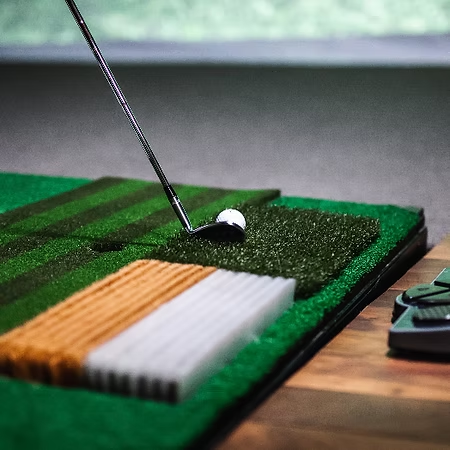
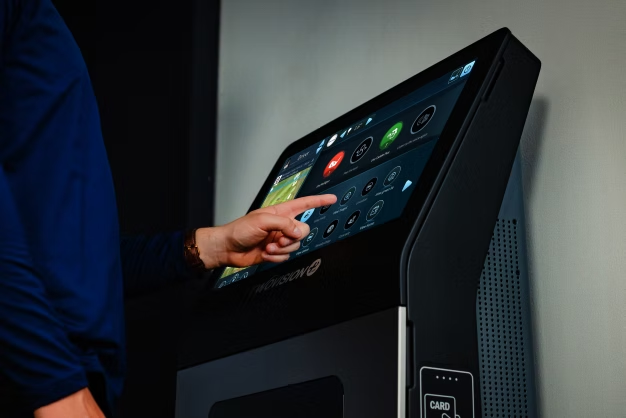
Golfplay simulators feature auto tee—no chasing around golf balls required! Adjust your tee height in the software, and it’ll save your preference for future tee shots. Remember, only drivers are used off the tee; all other clubs go on the mats. To aim, use the L & R buttons on the floor console with your club or tap the arrows on the touchscreen. Quick, simple setup helps you stay focused on your shot and enjoy smooth, efficient play every round.
Course management is key once you’re off the tee. Use the overhead view to plan your next shot, avoid hazards, and leave yourself a good angle to the green. Take into account your usual shot distance and miss tendency to reduce risk and keep the ball in play. Be sure to aim properly using the console or touchscreen. Pay attention to wind, slope, and elevation changes. Smart, thoughtful decisions can lower your score more than power ever will.
Approach Shots:
When you’re hitting onto the green, a “heat map” shows up in the top right corner of the projection screen. Red means higher areas, and blue is lower. Using this information can really help you plan your approach shot. Aim to land below the hole—it makes putting way easier!
Distance Penalties:
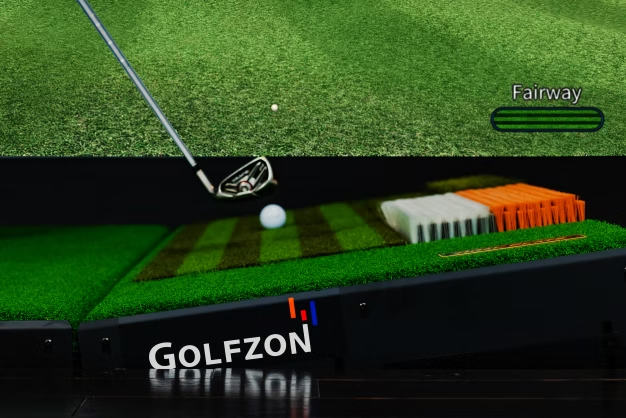
Be sure you’re hitting from the correct mat! If you accidentally take your shot from the fairway mat instead of the rough or sand mats, you’ll be assessed a distance penalty—between 10% and 40%! Always double check which mat to use by looking at the lower right corner of the projection screen, which will tell you where your golf ball lies.
Tapping the grid button on the left side of the floor console brings up a helpful 3D terrain map of the area in front of you, perfect for planning chip shots around the green. Read the slopes, play the bounce and break, and aim for that chip-in!
If you’re not using the Golfzon app to track yardages, you don’t need to adjust the club selection with the U and D buttons. But, if you prefer to putt from the fairway instead of chip, make sure to switch your club to a putter in the system.
Use the L & R buttons to adjust your aim left or right. Keep an eye on the orange aiming line on the top-right view once it’s aligned, swing down the stripes on the mat for better accuracy.
If your ball doesn’t pop up, press the dimpled button on the right. Still not working? Check the hopper and slide some balls over to get started again.
Enjoy group dining with three package tiers – Platinum, Gold, or Silver. Featuring favourites like wings, pizza, and bottomless Caesar. Experience Golfplay’s club lifestyle with indoor golf, handcrafted food, and a vibrant social atmosphere.
Platinum Package
Bogey Queso Dip (1 for every 6 people)
Fry Baskets (1 for every 6 people)
Bottomless Caesar Salad
Pizza Variety (3 slices per person)
Chicken Wings (3 per person)
Nachos (1 for every 6 people)
Silver Package
Fry Baskets (1 for every 6 people)
Pizza Variety (2 slices per person)
Caesar Salad (1 for every 6 people)
Gold Package
Pizza Variety (2 slices per person)
Bogey Queso Dip (1 for every 6 people)
Chicken Wings (3 per person)
Caesar Salad (1 for every 6 people)
Fry Baskets (1 for every 6 people)
Alternate Package
Please ask about alternate catering menu options created by Chef Troy!
Platinum Package
Bogey Queso Dip (1 for every 6 people)
Fry Baskets (1 for every 6 people)
Bottomless Caesar Salad
Pizza Variety (3 slices per person)
Chicken Wings (3 per person)
Nachos (1 for every 6 people)
Silver Package
Fry Baskets (1 for every 6 people)
Pizza Variety (2 slices per person)
Caesar Salad (1 for every 6 people)
Gold Package
Pizza Variety (2 slices per person)
Bogey Queso Dip (1 for every 6 people)
Chicken Wings (3 per person)
Caesar Salad (1 for every 6 people)
Fry Baskets (1 for every 6 people)
Alternate Package
Please ask about alternate catering menu options created by Chef Troy!